720337 - Synchronization of monitor and street plate EXTEL WAVE 3
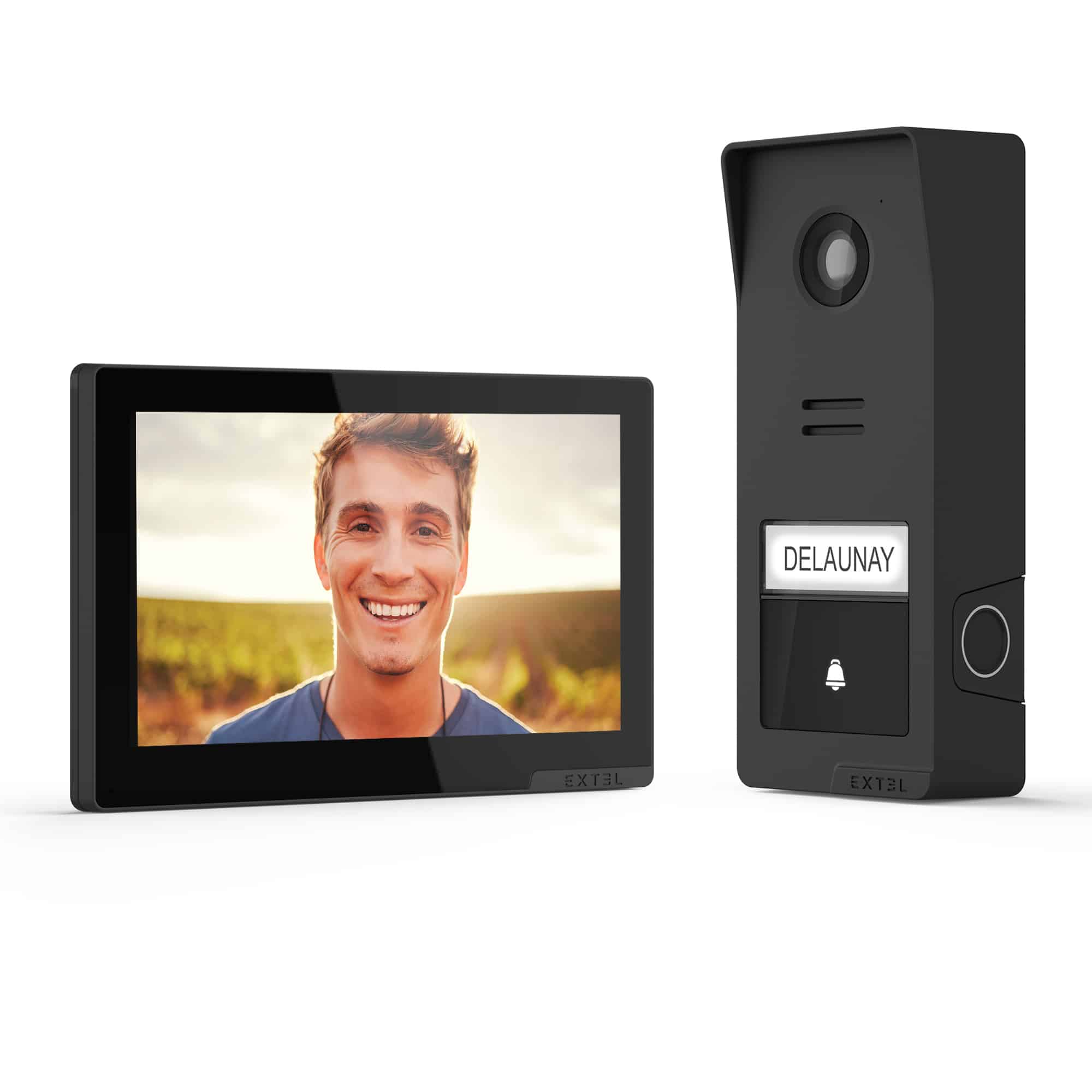 | Your monitor no longer sounds when a visitor presses the call button? Your monitor requires being resynchronized to the door station. In order to limit errors due to too large obstacles, please bring the door station closer to the monitor. |
Difficulty: Easy
Time required: 5 minutes
Number of steps: 10
Updated: June 2026
Step 1: Preparation of street platinum
- Bring your door station closer to the monitor.
- Position your door station to have access to the area.
- Use the 1.5mm BTR screwdriver to unscrew the safety screw.
- Make sure the ON/OFF cursor is on ON
- Locate the RESET button at the edge of the door station
Step 2: Configuration of the monitor.
- On your EXTEL screen, go to the "Settings" your monitor.
- Then go to "Other settings"
- Select "Association instructor and street platinum"
- Click the button.
- The monitor will then be in a synchronization phase
Step 3: Association of the instructor with door station
Attentionby manipulating the street plate not to press the call button by grinder. If this happens, wait for the door station to get back on standby
- Within seconds, hold the RESET button on the back of the door station until you hear 3 bears sound.
Attention: the beep is different from the call signal emitted when rings.
- The count should stop immediately on the monitor.
- The link is restored.